







Sketch with Friends : free multiplayer drawing game

or

How to play

How to play

Sketch with Friends is a free multiplayer drawing game, like Pictionary in your browser. One player draws, everyone else guesses, and the fastest guessers win.

  1. 1

    Invite your friends

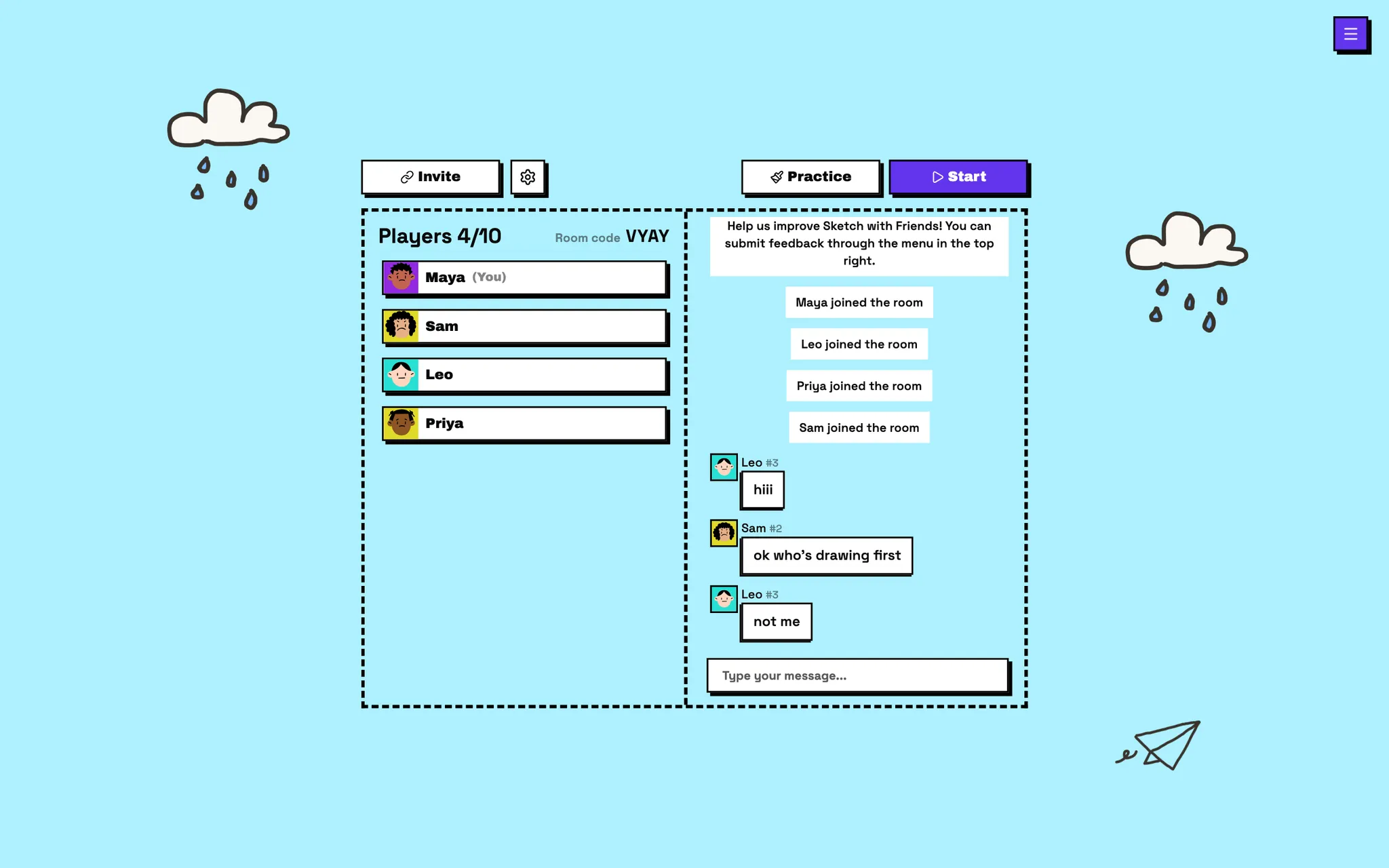
    Create a room and share the 4-letter code or invite link. Up to 10 people can play.

    Lobby
    Sketch with Friends lobby with four players, the room code, and chat
  2. 2

    Take turns drawing

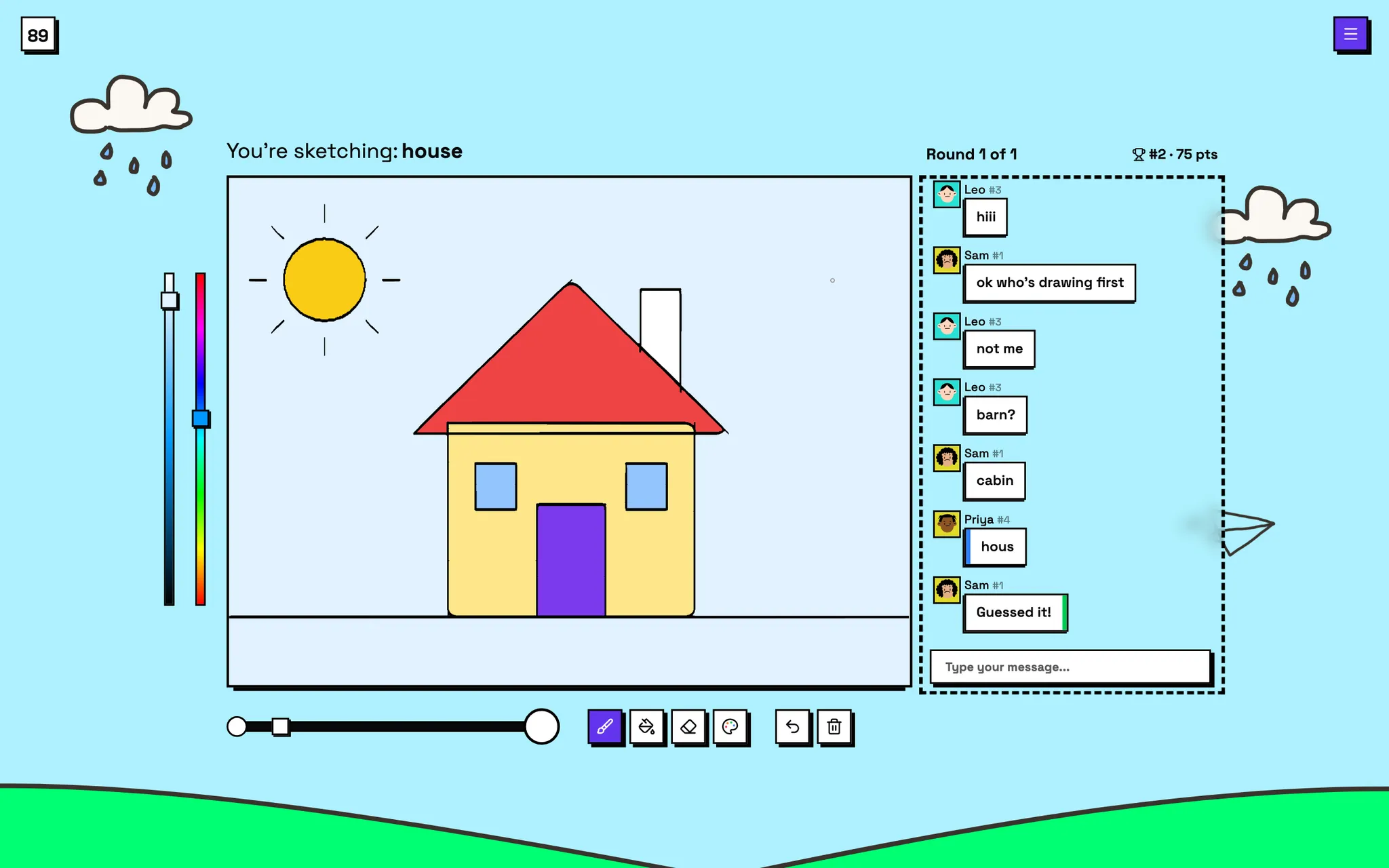
    Pick one of three words and draw it before time runs out.

    Your turn
    The artist's view: drawing a house on the canvas with the color picker and drawing tools
  3. 3

    Guess in the chat

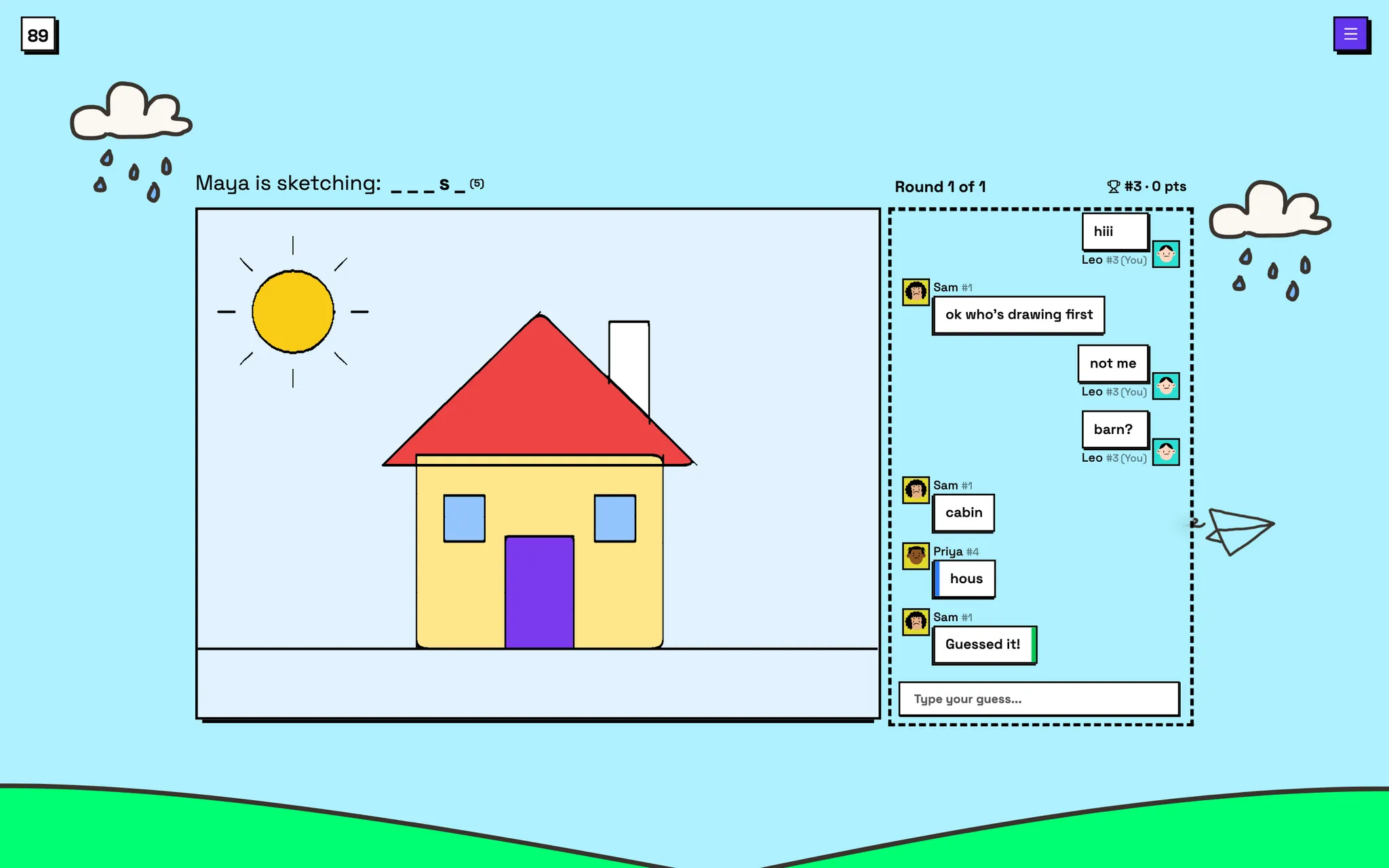
    Everyone else types guesses. The faster you get it, the more points you score.

    Guessing
    A guesser's view: the drawing of a house, the letter hints, and guesses in the chat
  4. 4

    Crown a winner

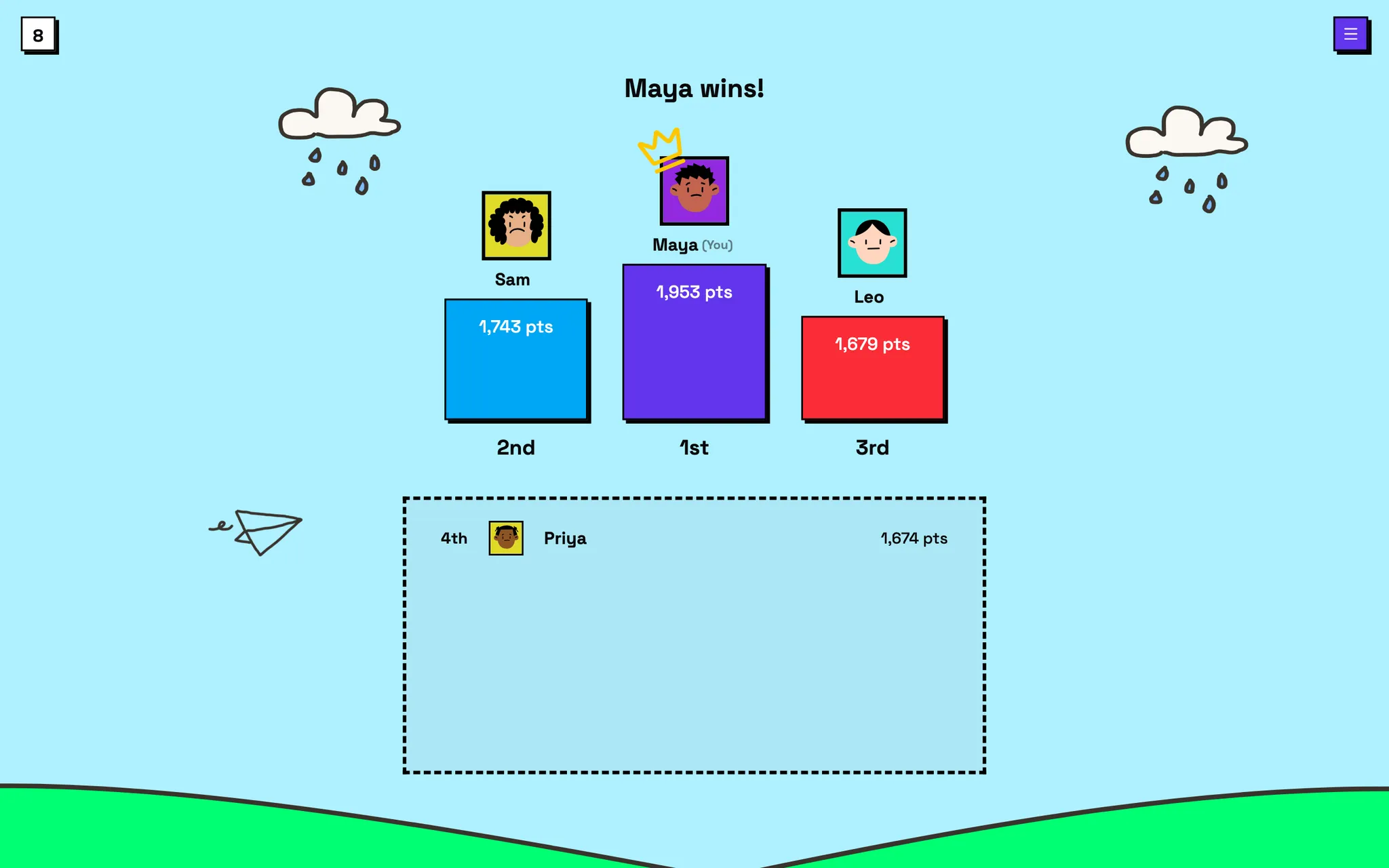
    After the last round, the top three take the podium.

    Final scores
    The end-of-game podium showing the winner and the top three scores

Questions

Is Sketch with Friends free?

Yes. Sketch with Friends is free and runs in your web browser. There's no account to create and nothing to download.

How do I play with friends?

Create a room, choose a name and an avatar, then share the 4-letter room code or the invite link. Your friends enter the code on the home page or open the link, and the host starts the game when everyone's in.

How many people can play?

Each room holds 2 to 10 players. The host can lower the player limit in the room settings.

Can I play on my phone?

Yes. It works in mobile browsers on iPhone and Android, as well as on tablets and computers. On a touchscreen you draw with your finger.

Can we play over Discord or Zoom?

Yes. Drop the invite link in your Discord chat or video call and everyone plays from their own device while you talk on Discord, Zoom, FaceTime, or Google Meet.

Can I use it in a classroom?

Yes. Make the room private, add your vocabulary list as custom words, and the class reviews them by drawing and guessing. It also works as a quick icebreaker for remote teams.

Is it like Pictionary or skribbl.io?

It's the same draw-and-guess idea: one player draws a secret word and everyone else races to guess it in the chat. If you've played Pictionary or skribbl.io, you already know how to play.

Can I use my own words?

Yes. The host can add custom words in the room settings and choose to play only those words or mix them with the built-in list.

What if my friends aren't online?

Use Quick play to join a public room with players from around the world. If no room is open, one is created for you. You can also practice drawing in the lobby while you wait.

How does scoring work?

Guessers earn more points the faster they guess, plus bonuses for guessing first and for guessing streaks. Hard words are worth more. The artist earns points for every player who guesses their drawing.

Grab a pencil. Your friends are waiting.

Start a room in a couple of clicks. It's free and there's nothing to install.

Play now